Publish Your Book on Amazon
Follow these simple steps to publish your Proofbound book on Amazon Kindle Direct Publishing (KDP)
What You'll Need
Proofbound generates these files, visible in your "My Books" dashboard:
- PDF Book
- Cover
- Kindle-ready EPUB (for the Kindle ebook edition)
Download the files you need to your local computer. You'll upload them to the Amazon Kindle Direct Publishing site.
Create an Amazon KDP Account
Go to kdp.amazon.com and follow the instructions to create an account.
Create a New Title
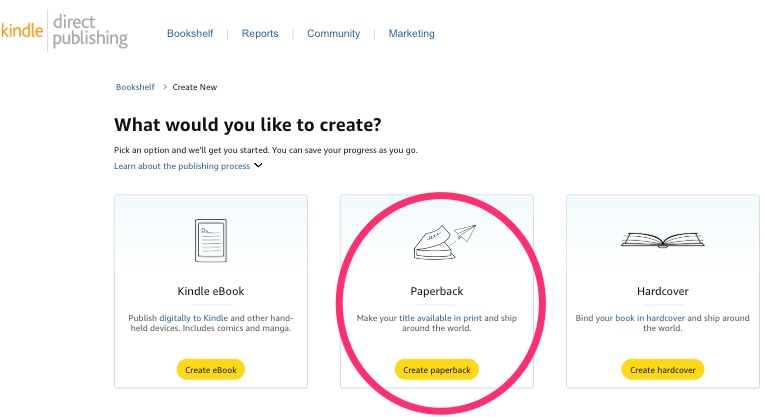
At the top of the KDP main page, click "Create new title or series."
Select "Paperback"
(To publish the ebook edition, create a separate Kindle eBook title and upload your Kindle-ready EPUB instead.)
Paperback Details
Now enter the basic details about your book: title, author, etc.
Publishing Rights:
Say yes to "I own the copyright and I hold necessary publishing rights."
Primary Marketplace:
Should be Amazon.com. (Canadian and other non-US users might have a different marketplace, but so far we haven't tested these.)
Categories and Keywords:
Enter appropriate categories and keywords. You'll need to choose at least one (e.g., "Health and Fitness / General").
Select "Release my book for sale now" and click "Save and Continue."
Paperback Content
Select "Get a free KDP ISBN". You will need to assign an ISBN.
Use the print option defaults (you can change these later):
- Black and white interior with white paper
- 6 x 9 in (US Trade) or 5.5 x 8.5 in (Digest), whichever trim size your book uses. A5 books are for Lulu print-on-demand only; KDP does not use that trim.
- No bleed
- Matte
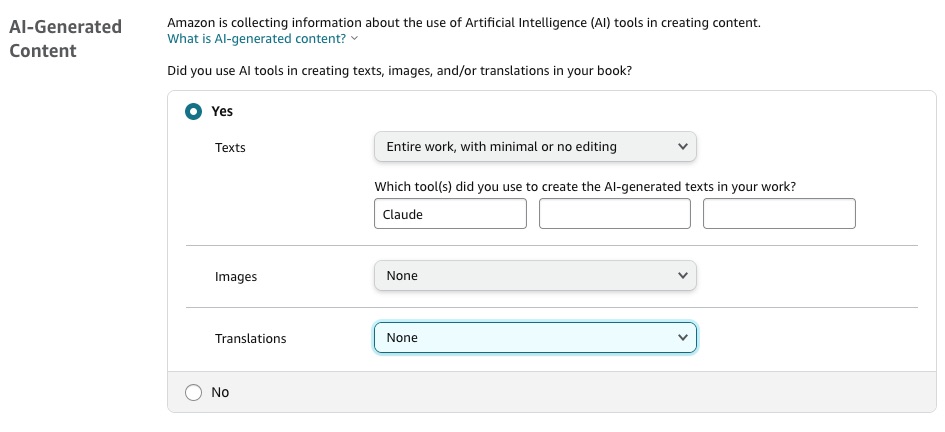
Answer "AI-Generated Content" truthfully. Amazon uses this information for their internal marketing purposes. It won't affect how the book is published.
Book Preview
Upload your manuscript
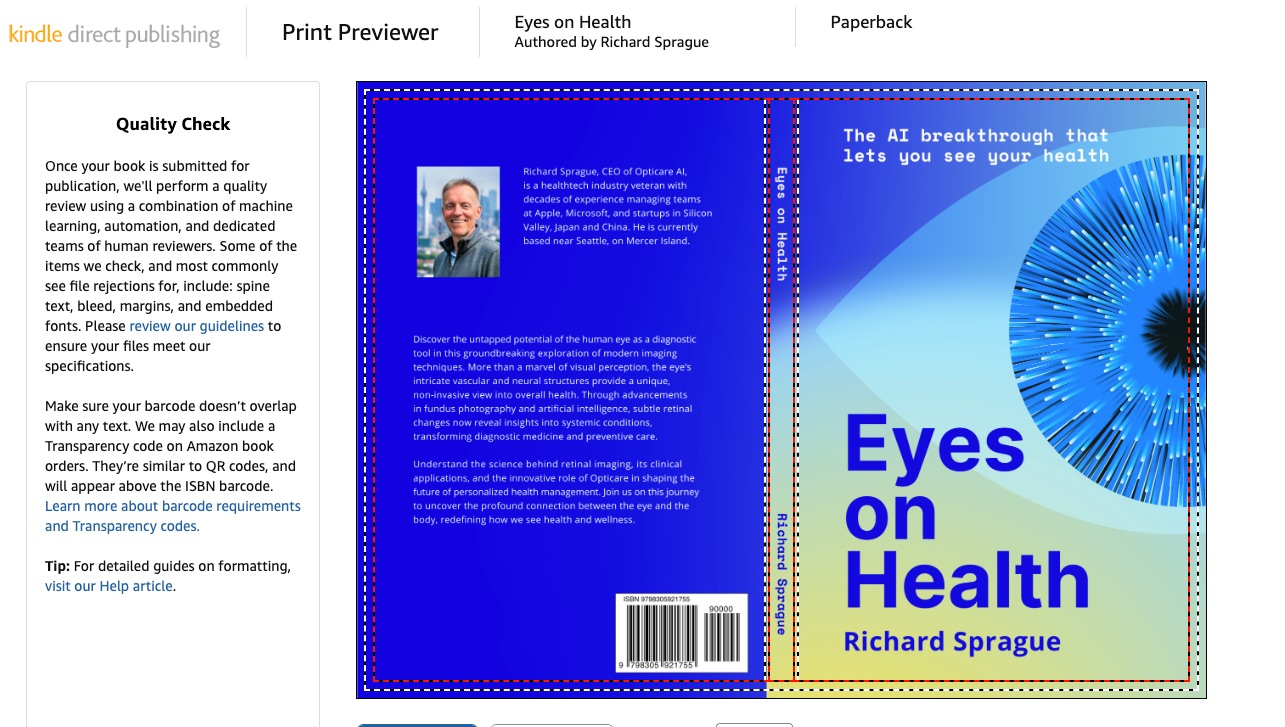
Preview will also let you double-check the rest of your manuscript and even download a proof copy.
There shouldn't be any errors. If there are, please let us know at [email protected].
Publish
The rest of the KDP publishing workflow should be self-explanatory. You choose your pricing and the markets where you want the book to be sold.
At this point, you may want to order a not-for-resale draft copy. It will only cost a few dollars, plus a reasonable shipping charge that will have it in your hands within days.
Enjoy!